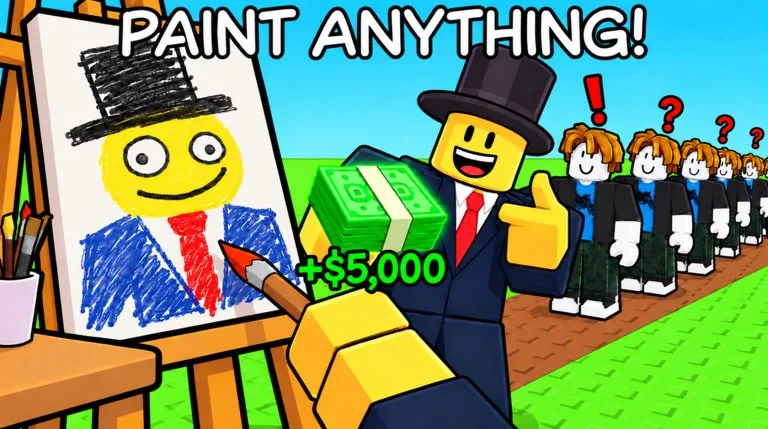
How do you read the Paint to Get Rich 🎨 roster picker?
Walk the tree in order. Do not skip to a late unlock because the shop model looked rare.
- Artist Alley — The starting world, where you build a studio by stepping on green Cash buttons.
- Museum — World 2. Guides report an unlock at Prestige 3, then you buy upgrades to build a museum.
- Cash — The currency you earn by selling paintings and spend on green studio buttons.
- Stars — A Prestige counter you gain by finishing a painting, before anyone buys it.
- Prestige — Reset the whole run for a permanent Cash multiplier. Guides report the Museum at Prestige 3.
- Studio upgrade buttons — Green buttons on the plot. Each one spends Cash and adds a studio feature.
- Hired artists — NPC painters added by studio buttons. They earn some Cash and do not carry Prestige.
- Auction house — A third-floor sale that pays more than a normal offer and opens once every five minutes.
- First Stroke — Finish your first painting.
- Sold! — Sell your first painting.
- Four-Star Artist — Create a painting rated four stars or higher.
- Five-Star Artist — Create a five-star painting.
- Fresh Canvas — Complete your first Prestige.
- Museum Bound — Unlock World 2, the Museum.
- Curiosity Found the Cat — Find the dancing cat in the storage room behind the auction painting.
- Secret storage room — The room behind the auction painting where the dancing cat badge is found.
What is on the published Paint to Get Rich 🎨 roster table?
| Entry | Hub | Notes |
|---|---|---|
| Artist Alley | Worlds | The starting world, where you build a studio by stepping on green Cash buttons. |
| Museum | Worlds | World 2. Guides report an unlock at Prestige 3, then you buy upgrades to build a museum. |
| Cash | Money | The currency you earn by selling paintings and spend on green studio buttons. |
| Stars | Money | A Prestige counter you gain by finishing a painting, before anyone buys it. |
| Prestige | Prestige | Reset the whole run for a permanent Cash multiplier. Guides report the Museum at Prestige 3. |
| Studio upgrade buttons | Machines | Green buttons on the plot. Each one spends Cash and adds a studio feature. |
| Hired artists | Machines | NPC painters added by studio buttons. They earn some Cash and do not carry Prestige. |
| Auction house | Machines | A third-floor sale that pays more than a normal offer and opens once every five minutes. |
| First Stroke | Badges | Finish your first painting. |
| Sold! | Badges | Sell your first painting. |
| Four-Star Artist | Badges | Create a painting rated four stars or higher. |
| Five-Star Artist | Badges | Create a five-star painting. |
| Fresh Canvas | Badges | Complete your first Prestige. |
| Museum Bound | Badges | Unlock World 2, the Museum. |
| Curiosity Found the Cat | Badges | Find the dancing cat in the storage room behind the auction painting. |
| Secret storage room | Map & Routes | The room behind the auction painting where the dancing cat badge is found. |
What will this Paint to Get Rich 🎨 picker not do?
It will not spend currency, roll a shop, or read your inventory. Confirm prices and unlocks in the live Paint to Get Rich 🎨 experience.